How to Mark Transfers Between Your Own Accounts So They Aren't Counted Twice Before Tax Prep
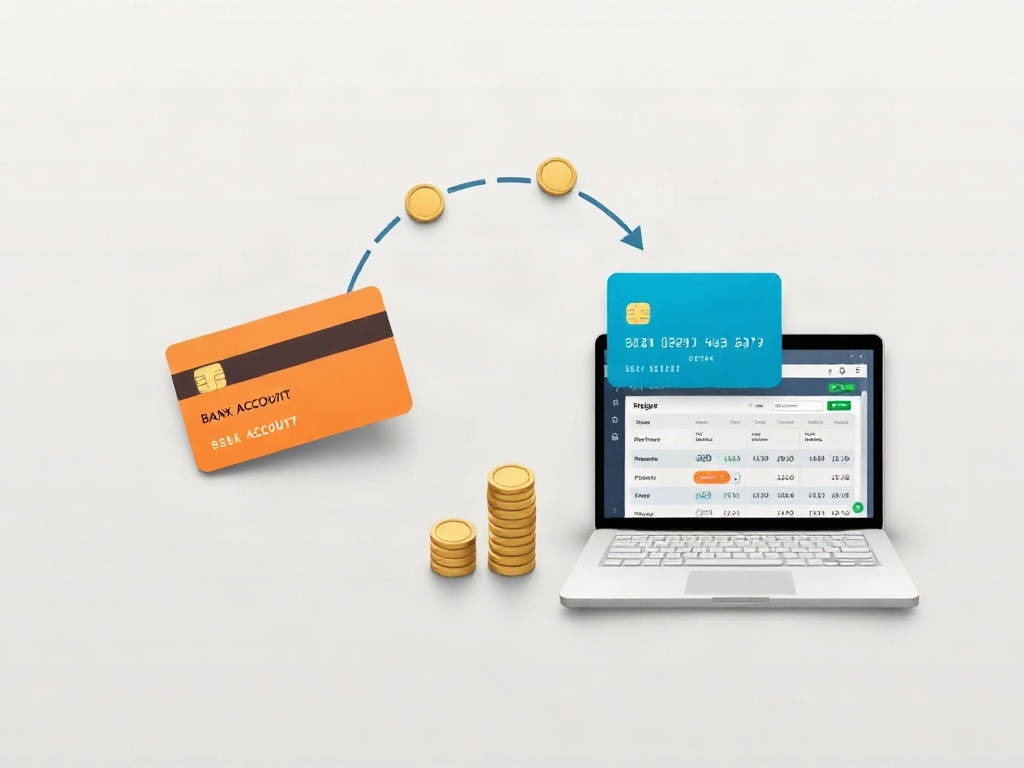
For a transfer between two accounts owned by the same business or taxpayer, match the withdrawal and deposit as one transfer instead of recording the deposit as new sales and the withdrawal as an expense. Confirm ownership and purpose first: money moving between separate legal entities, or between a business and its owner, may require a different classification.
- Match both bank-feed entries to one transfer so the receiving deposit is not added to gross receipts a second time.
- Keep statements or transaction IDs showing the same amount, date range, source account, and destination account.
- Do not use the transfer label automatically when accounts belong to different entities or the movement is an owner contribution, distribution, loan, reimbursement, or payment.
A bookkeeping double count often starts with a harmless cash movement. A business moves $3,000 from checking to savings. The withdrawal is imported from one bank feed and the deposit from the other. If the deposit is categorized as sales, revenue is overstated by $3,000 even though the business earned nothing new.
The fix is not to delete one side. Preserve both bank records and link them with the correct transfer or match workflow so the books still reconcile.
What is an own-account transfer?
An own-account transfer moves cash between accounts with the same relevant owner and accounting entity. Examples can include business checking to that same business's savings account, or one personal account to another personal account of the same taxpayer.
The label depends on facts, not just access. A person may control several accounts that belong to different LLCs, a corporation, a partnership, or a personal household. Moving cash between them can represent an owner contribution, distribution, loan, reimbursement, payroll, or payment rather than an internal transfer.
This distinction is the information gap. Many recordkeeping articles advise owners to separate business and personal money. Fewer show what to do after both sides of an internal movement have already entered the books and one side looks like income.
Why the deposit can be counted twice
Bank feeds import transactions independently. The source account shows money out; the destination account shows money in. Without a match, a user may classify the incoming side as revenue and the outgoing side as an expense.
| Entry | Incorrect treatment | Controlled treatment |
|---|---|---|
| $3,000 leaves business checking | Expense | Transfer to business savings |
| $3,000 arrives in business savings | Sales income | Matched receiving side of the same transfer |
| Effect on profit | Revenue and expense both distorted | No new revenue or expense from moving the cash |
That example is bookkeeping mechanics, not a conclusion about every movement. Ownership, entity structure, and purpose determine the proper account classification.
How to clean up transfers before tax prep
- List every financial account in scope. Include checking, savings, credit cards, payment platforms, and clearing accounts used by the business.
- Confirm the owner and entity for each account. Mark personal accounts and accounts belonging to another legal entity before matching anything.
- Find likely pairs. Compare amount, source, destination, transaction ID, and dates. Processing delays can put the two sides on adjacent days.
- Match the two entries. Use the accounting system's transfer or match function rather than creating separate income and expense categories.
- Attach or retain proof. Keep both statements or transaction records so a preparer can trace the movement.
- Review the profit-and-loss statement. Search income categories for deposits that equal withdrawals from another account. In the $3,000 example, removing the false sales classification reduces reported bookkeeping revenue by $3,000; it does not erase bank activity.
- Create an exceptions list. Flag unmatched amounts, fees, split transfers, foreign accounts, different entities, and owner-related movements for the tax preparer.
How common accounting software handles the pair
QuickBooks' official transfer guidance describes recording a transfer and matching the downloaded transaction on the other bank or credit-card account. The exact buttons vary by product and version, but the accounting goal is stable: connect the two sides instead of adding a second income event.
If one side includes a bank fee or the amounts differ because of currency conversion, do not force an exact transfer match. Separate the fee or exchange difference using the accounts chosen with your bookkeeper or tax professional.
Transfers that need a second look
- Business to personal: may be a distribution, draw, reimbursement, payroll, loan, or another owner transaction.
- Personal to business: may be a contribution, loan, reimbursement, or payment.
- One company to another: shared ownership does not automatically make both companies one accounting entity.
- Customer payment routed through another account: the original receipt may still be revenue even if later cash movement is a transfer.
- Loan proceeds or repayments: principal and interest require different treatment.
- Foreign accounts or cross-border movement: separate information-reporting rules may apply even when the movement is not sales revenue.
Do not infer tax treatment from the bank description alone. Give the preparer the ownership, purpose, agreements, and supporting records.
What records should you keep?
The IRS recordkeeping guidance says a business may choose a recordkeeping system that clearly shows income and expenses. The IRS also explains what kinds of supporting records to keep, including records that support entries in the books.
- Statements for both accounts
- Transaction confirmation or reference number
- Date initiated and date received
- Amount and any separately identified fee
- Owner/entity of each account
- Purpose of the movement
- Loan, contribution, distribution, or reimbursement documentation when applicable
For a related workflow, first organize uncategorized bank transactions, then reconcile payment-processor payouts with bank deposits. This keeps transfers, sales, fees, and owner activity from being mixed together.
What if the error affected a previously filed return?
Do not silently rewrite the old books and assume the tax result is fixed. Preserve the original records, document the corrected classification, and ask the preparer who handled that return whether the mistake affected reported income, deductions, basis, balance-sheet accounts, or information returns. That professional can determine whether an amended return or another correction is appropriate.
A clean handoff to your tax preparer
Prepare a transfer schedule with columns for date, amount, source account, destination account, entity owner, purpose, match status, and supporting-document link. Put unresolved items in a separate exceptions tab instead of guessing.
MyTaxEase helps organize financial records for review; it does not replace entity-specific tax or legal advice. The goal is a traceable packet that lets a qualified preparer distinguish cash movement from actual income and expenses.
Bottom line
Match true same-owner, same-entity transfers as one movement, preserve both bank records, and review income for duplicate deposits. Escalate owner, cross-entity, loan, foreign, split, and prior-year items instead of forcing them into the transfer category.
Content prepared by the MyTaxEase team. Updated August 28, 2026.